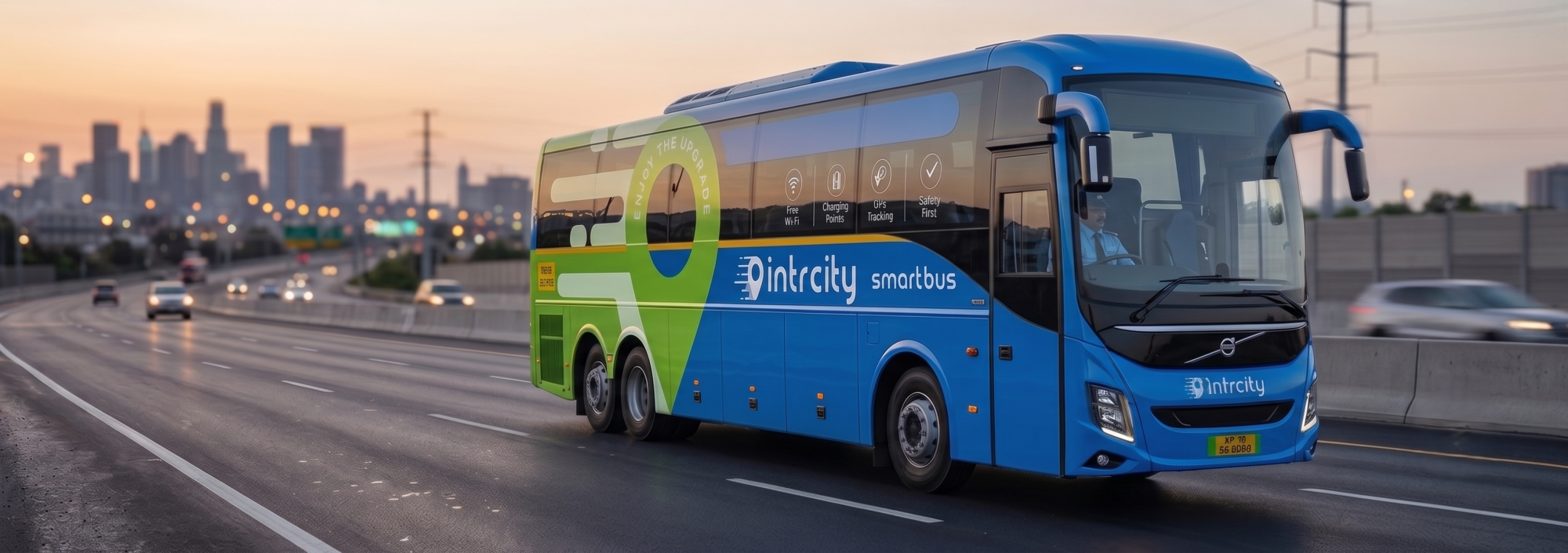

When you book an intercity bus, the bus itself is only one part of the decision. You also need to choose where to
make the booking: an official service website or app, a multi-operator booking platform, or an approved
assisted channel. The channel can affect what you compare, which offers appear, where the ticket record is
stored, and which support or cancellation process applies.
This guide explains how to compare bus booking options without treating one channel as universally better. Use
it when you are planning a regular journey, looking for a sleeper bus booking, comparing bus ticket offers, or
trying to find a bus tonight after a train plan changes.
What is a Bus Booking Platform?
A bus booking platform is a website, app or assisted service that lets travellers search current departures,
compare seat or sleeper layouts, view fares and complete an online bus ticket booking. Some platforms list
services from multiple operators, while an official operator or branded service channel focuses on its own listed
services. The right choice depends on your route, date, service and the terms shown before payment.
Quick Answer: Where should you Book your Bus Ticket?
Use a multi-operator booking platform when you are still comparing operators, departure windows, bus types
and fares. Use the official IntrCity SmartBus website or app when you have chosen an IntrCity service and want
its direct booking record, current Club information, app-based journey tools and published support route.
There is no reliable rule that one channel will always show the lowest fare or the most flexible terms. Inventory,
seat type, travel date, payment method, offers and cancellation conditions can change. Compare the same
route and date, review the final payable amount and read the selected ticket conditions before completing
payment
Official Service Channel or Multi-operator Platform?
Both booking routes can be useful. The difference is the type of decision you are trying to make:
| What to Compare | Official Service Website or App | Multi-operator Booking Platform |
| Search Scope | Focuses on the listed services, routes and dates for that service channel. | Brings listings from multiple operators into one search and comparison flow. |
| Final Fare | Shows the channel’s checkout amount, including applicable fees and direct offers. | Shows the platform checkout amount, including its fees, offers and payment conditions. |
| Seat or Berth | Let’s you review the seat map and layout shown for the selected service. | Shows the seat or berth information exposed for the chosen listing. |
| Rewards and Offers | May connect the booking to the channel’s Club, app or direct-offer rules. | Follows the platform’s own reward, cashback and coupon terms. |
| Ticket and Support | The channel’s e-ticket, PNR and published support route are the starting point. | The platform’s ticket and help process are the starting point for that transaction. |
| Cancellation and Refund | Use the cancellation terms attached to the selected booking and service. | Use the terms attached to the platform booking and selected service. |
This is a decision framework, not a claim that one channel always has a lower price or better service.
Start with the Exact Route and Travel Date
Begin with the live IntrCity bus-ticket search. Enter your origin, destination and travel date, then compare the
results that are actually available. This is more useful than relying on an old fare list or a general route article.
The same habit applies whether you are searching for a Delhi to Lucknow bus, a Delhi to Gorakhpur bus, a
Bangalore to Hyderabad bus, a Chennai to Bangalore bus or a Mumbai to Pune bus.
Before you choose, check the departure and arrival times, boarding and drop points, seat or sleeper layout, fare
and any service notes shown for the selected result. Route availability and the number of departures can
change by date.
Compare the Final Payable Fare, Not just the Headline Price
The first price you see is not always the amount you will pay. When comparing online bus booking options,
review the same route, date, bus type and seat or berth wherever possible, then check the checkout total after:
● The selected seat, sleeper or private-berth type.
● Taxes, service or convenience charges.
● An eligible coupon, cashback or payment offer.
● Any add-on or change option.
● The cancellation or refund conditions attached to the booking.
Do not assume that an official channel is always cheaper, and do not assume that a marketplace offer will
always produce the lowest total. The final checkout amount for the same travel choice is the useful number.
Review the Actual Seat or Sleeper Layout
During bus ticket booking, open the live seat map instead of choosing only by the bus name. Check whether the
result is an AC seater, AC sleeper, private sleeper, semi-sleeper or Volvo coach. For overnight bus booking, look
at the upper or lower berth and any private layout shown for the exact service.
The IntrCity bus-ticket page describes available bus types and journey features, but the live result for your route
and date is the final reference. For a general explanation of the booking process, see the online bus reservation
guide.
Check Rewards, Cashback and Current Bus-Ticket Offers
Rewards can change the value of a bus ticket, but only when the eligibility conditions fit your booking. Check
whether the reward applies to the channel, payment method, bus, route and date you are selecting. A new-user
offer, cashback offer or bus ticket booking offer may have its own limit, validity and payment requirements.
For direct IntrCity bookings, the IntrCity Club page explains the current Club Miles earning, redemption and
member-benefit rules. The bus-ticket offers page is the live place to review available coupons, payment offers
and other commercial terms. Do not rely on a fixed cashback amount, coupon code or expiry date copied into
this evergreen guide.
If you use another booking platform, check that platform’s offer terms separately. A direct-channel reward
should not be assumed to apply to a ticket purchased elsewhere.
Understand Cancellation, Refund and Change Conditions
Before paying, open the cancellation and change terms for the selected ticket. Look for the applicable cut-off,
refund method, charges, eligibility and any channel-specific conditions. Flexible cancellation can be useful when
a train plan is uncertain, a connecting journey may change or you are booking close to departure, but the
selected ticket terms remain the authority.
IntrCity pages describe options such as Flexi Cancellation and a short post-booking cancellation window for
eligible bookings. Confirm the option shown for your selected service at checkout, then retain the published passenger policy. If an eligible IntrCity booking is cancelled, the refund tracker can be used to check the status
using the requested booking details.
If the ticket was purchased through a multi-operator platform, follow that platform’s cancellation and refund
workflow. Do not assume that a direct-channel refund, wallet option or change feature automatically transfers
to another booking channel.
Identify Who will Handle Support after Payment
The most useful support route is connected to the booking record. If you book through the official IntrCity
website or app, keep the IntrCity e-ticket, PNR and published support information accessible. If you use a multioperator platform, follow the support instructions attached to that platform’s ticket.
Before travel, save the booking ID, passenger mobile number and support route. IntrCity publishes phone, email
and in-app support information on its Contact Us page. During the journey, use the official channel shown on
the ticket rather than relying on an unverified number found in a search result.
When you Need a Bus Tonight, Use a Short Decision Checklist
For same-day or overnight travel, speed matters, but a fast search is useful only when the booking details are
clear. Use this checklist:
- Enter the exact origin, destination and travel date in the IntrCity app or website.
- Check the live departure, boarding point, reporting time, and arrival time and seat or sleeper layout.
- Review the final fare, current offer eligibility and applicable cancellation terms.
- Complete payment and wait for the e-ticket or booking confirmation before treating the journey as
booked. - Save the e-ticket and PNR. Use the official live tracking route after the trip begins when it is available for
the selected booking.
For a train-fallback situation, read IntrCity’s Tatkal-failed overnight-bus guide. For the wider five-check
framework, see the related reading: Five checks before booking a last-minute overnight bus.
Use the App When you want Booking, Offers and Journey Tools Together
An app-first workflow can be useful for repeat bookings because it keeps the booking record, notifications and
available journey tools close to hand. The IntrCity SmartBus app page and booking flow can be used to search
bus tickets online, review the selected service, access eligible Club or app offers, and check available tracking or
support tools.
If you are booking from a phone, open the current IntrCity app links from the official website or its app on iOS
or Android.
Frequently Asked Questions
Q1. Is booking directly always cheaper?
Ans. Not always. Compare the same route, date, bus type and seat or berth, then review the final payable amount
after fees and eligible offers. Prices and terms can vary by service and channel.
Q2. What should I compare before online bus ticket booking?
Ans. Compare the live departure, boarding and drop points, seat or sleeper layout, final fare, offer eligibility,
cancellation terms, confirmation record and support route. Use the selected result and ticket as the reference.
Q3. Where can I find bus ticket offers or cashback?
Ans. Check the live IntrCity bus-ticket offers page for current commercial offers. If you use Club Miles, review the
IntrCity Club page for the current earning and redemption rules. Offers can have route, date, payment or user
eligibility conditions.
Q4. How do I check a refund after cancelling an IntrCity booking?
Ans. First check the cancellation terms attached to the selected booking. For eligible IntrCity bookings, use the
IntrCity refund tracker and follow the requested booking details. For a booking made through another platform,
use that platform’s refund process.
Q5. Can I book a bus tonight?
Ans. Search the exact route and date to see current availability. If a suitable service is shown, review the boarding
point, seat or sleeper layout, fare and terms, then complete payment and wait for the ticket confirmation.
Availability changes quickly, especially on overnight routes.
Q6. Which is the best bus booking app?
Ans. The best app is the one that shows a suitable live service for your route and date, gives you a clear fare and seat
or sleeper choice, explains the applicable terms, and provides a usable confirmation and support route. If you
have chosen an IntrCity service, use the official IntrCity SmartBus app or website for the current booking flow.
Start your Bus Ticket Search
Ready to compare? Open the IntrCity SmartBus bus-ticket search, enter your route and selected date, review
the live result and complete the booking in the official app or website. Use the Club page for rewards, the offers
page for current deals, and the Contact Us page or refund tracker if you need post-booking help.